personal trainer
NOLA JAMES
Discover your power

personal trainer
Discover your power
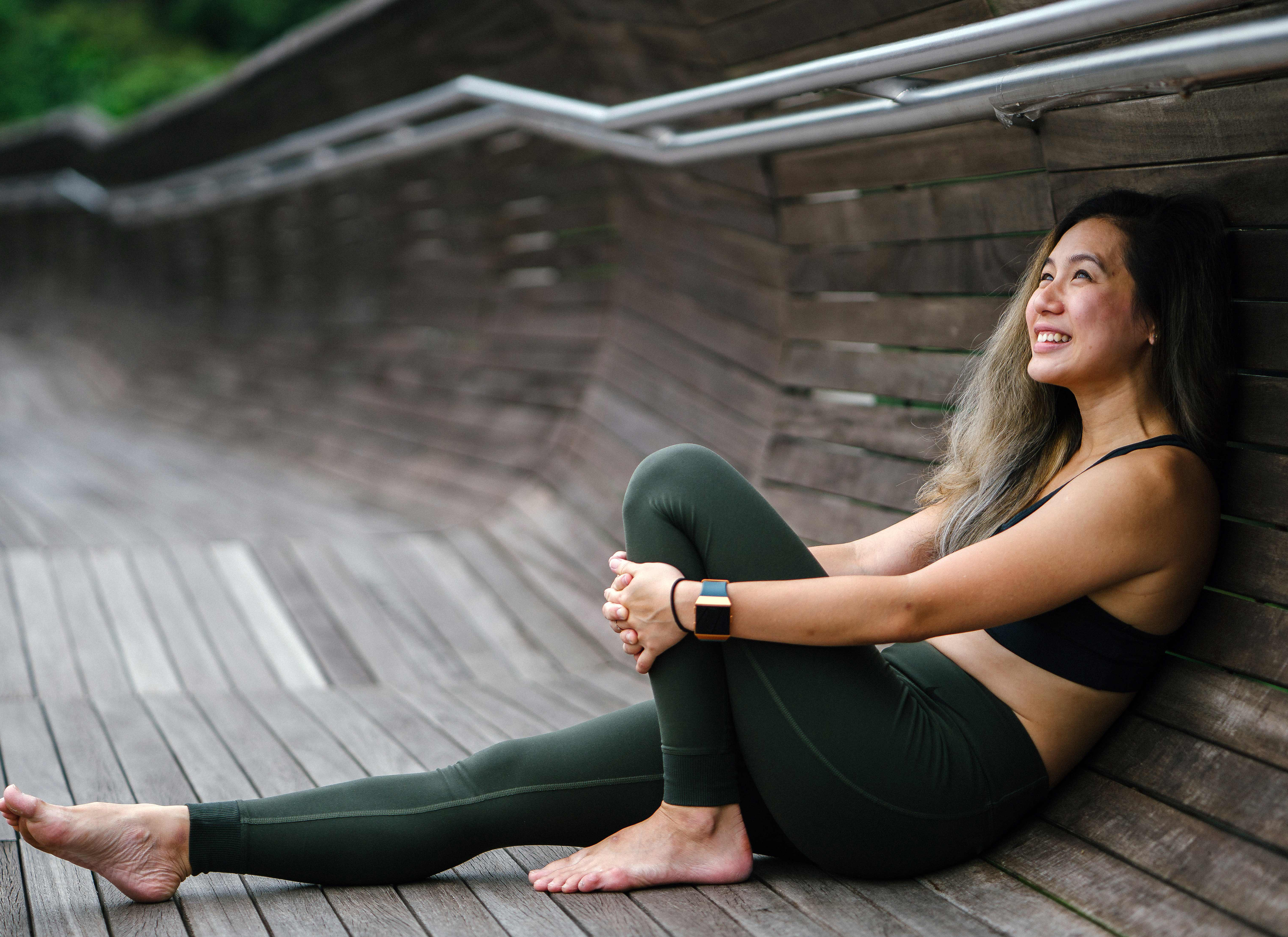
My love for the fitness and wellness industry began as my own personal journey in my late teens. I was struggling as an overweight adolescent and decided to do something about it. After losing 60 lbs in 2006, I dedicated my life to help others do the same. It is my mission to help people lose pounds of undesirable fat while reclaiming self-esteem.
Choose your question below to find a quick answer or to contact us.
Yes. The live event is available worldwide.
Yes. The video replay/s is included in the live event purchase.
No, there are no additional fees.
The video replays of will be available until 1 May 2021.
Step 1. Press the Buy button on the content you wish to watch.
Step 2. Press the Register Here button or select the Register option at the top of the form.
Step 3. Fill in the form with your Full Name, Email Address and Password and press the Create account button.
You will receive an email confirmation for a successfully created account. To find out how to make a purchase, proceed to the next section.
Step 1. Click on the Buy button on the content you wish to watch and wait for the login form to appear. Login with your credentials (email and password).
Step 2. Select the desired price option from the dropdown menu.
Step 3. Enter the required information.
Step 4. Press the Pay button.
You will immediately receive access and an email confirming your purchase. In case the page does not load, please press the refresh button.
Step 1. Click on the Log in button at the top of the page or on the Buy button on the content you wish to watch.
Step 2. On the form that appears, enter your login credentials (email and password).
Step 3. Click on Login.
The page will then refresh and if you have already purchased, the paywall will disappear. If you haven't purchased, please follow the guidelines above on How do I make a purchase.
Step 1. Navigate to the login form by clicking on the Buy button or on the Log inbutton at the top of the page.
Step 2. Press the Forgot Password button below the password field on the login screen.
Step 3. Enter your email address and press the Submit button.
Step 4. Leave the tab with the form open. In a new tab check your email for a Token that you can use to update your password.
Step 5. Copy and paste the Token along with your New Password and press the Submit button.
Your password will be updated. Please login with your email address and new password.
If you do not receive a password reset token please contact us at Support Center.
Yes.
Yes! All sensitive data we handle is sent via SSL.
This is not indicated as a site-wide use of HTTPS as it is not; it’s purely the calls that need to be made via HTTPS such as private user details or payment information.
The security of the site is visible using any website inspection tool.
Credit or debit card can be declined in the following cases:
1. Lack of funding.
2. The fraud control system flagged the user as suspicious.
Please contact your bank.
For additional questions or assistance please contact us at Support Center.
The CVV Number (“Card Verification Value”) is the 3 digit number located at the back of your VISA®, MasterCard® and Discover® branded credit and debit cards. On your American Express® branded credit or debit card it is a 4 digit numeric code.
You can find InPlayer’s terms and conditions on the following link: